Bild API
API Endpunkte
| Methode | Route | Beschreibung |
|---|---|---|
| GET | / |
Startseite (index.html) |
| GET | /api/images |
Alle Bildnamen als JSON-Array |
| GET | /image/:id |
Bild direkt anzeigen (z.B. /image/1) |
Code
server.js
const express = require("express");
const path = require("path");
const fs = require("fs");

const app = express();
const port = 4008;

app.use(express.static(path.join(__dirname, "public")));

app.get("/api/images", (req, res) => {
  const ordner = path.join(__dirname, "public", "images");
  const dateien = fs.readdirSync(ordner);
  const bilder = dateien.filter((datei) => datei.endsWith(".jpg"));
  res.json(bilder);
});

app.get("/image/:id", (req, res) => {
  const bildPfad = path.join(
    __dirname,
    "public",
    "images",
    `bild${req.params.id}.jpg`
  );
  res.sendFile(bildPfad);
});

app.get("/", (req, res) => {
  res.sendFile(path.join(__dirname, "index.html"));
});

app.listen(port, () => {
  console.log(`Server läuft auf http://localhost:${port}`);
});
index.html
<!doctype html>
<html lang="de">
  <head>
    <meta charset="UTF-8" />
    <title>Bild API</title>
  </head>
  <body>
    <h1>Bild API</h1>
    <button onclick="wechsleBild()">Nächstes Bild</button>
    <br /><br />
    <img id="bild" src="http://localhost:4008/image/1" alt="Bild" width="600" />
    <script>
      let aktuelleId = 1;
      function wechsleBild() {
        aktuelleId++;
        if (aktuelleId > 10) aktuelleId = 1;
        document.getElementById("bild").src =
          "http://localhost:4008/image/" + aktuelleId;
      }
    </script>
  </body>
</html>
Deployment auf Raspberry Pi
Server: 10.27.160.12
Port: 4008
Pfad: /home/m295/class/lars
scp -r bild-api m295@10.27.160.12:/home/m295/class/lars/
ssh m295@10.27.160.12
cd /home/m295/class/lars
npm install
node server.js
Testen
| Test | URL |
|---|---|
| Startseite | http://10.27.160.12:4008/ |
| Alle Bilder (JSON) | http://10.27.160.12:4008/api/images |
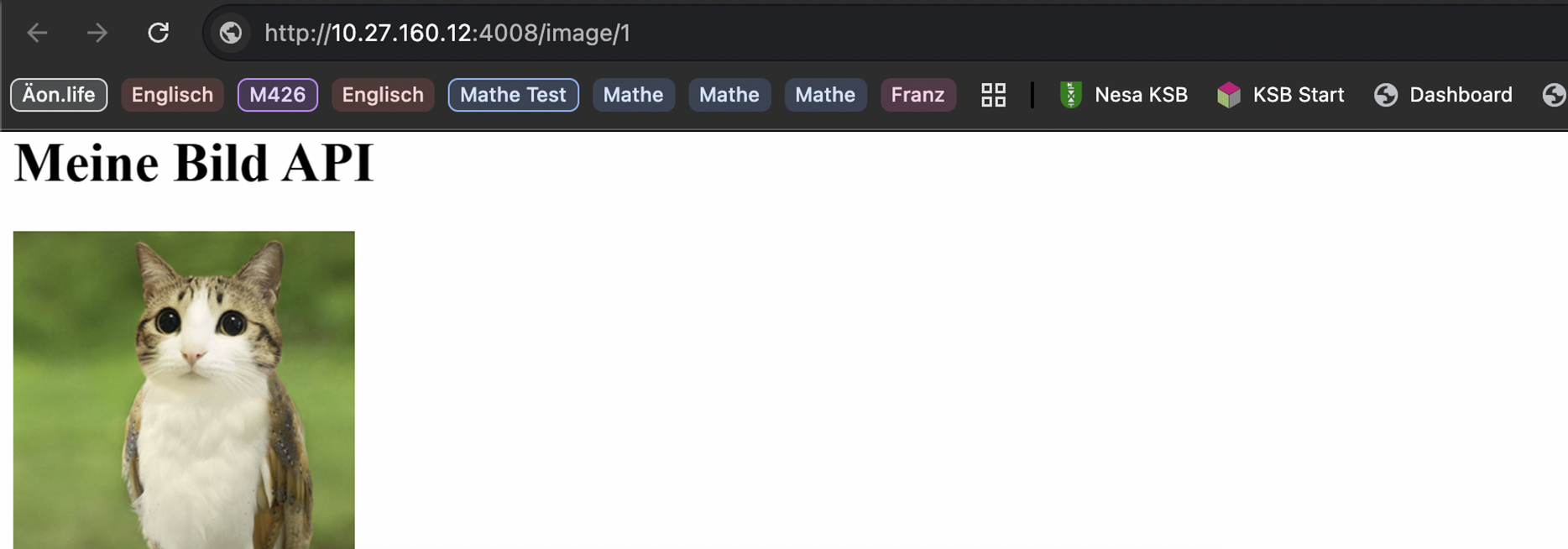
| Einzelnes Bild | http://10.27.160.12:4008/image/1 |
Ergebnis im Browser: